Deposits
Before swapping, you need to deposit funds into your Silhouette shielded balance.
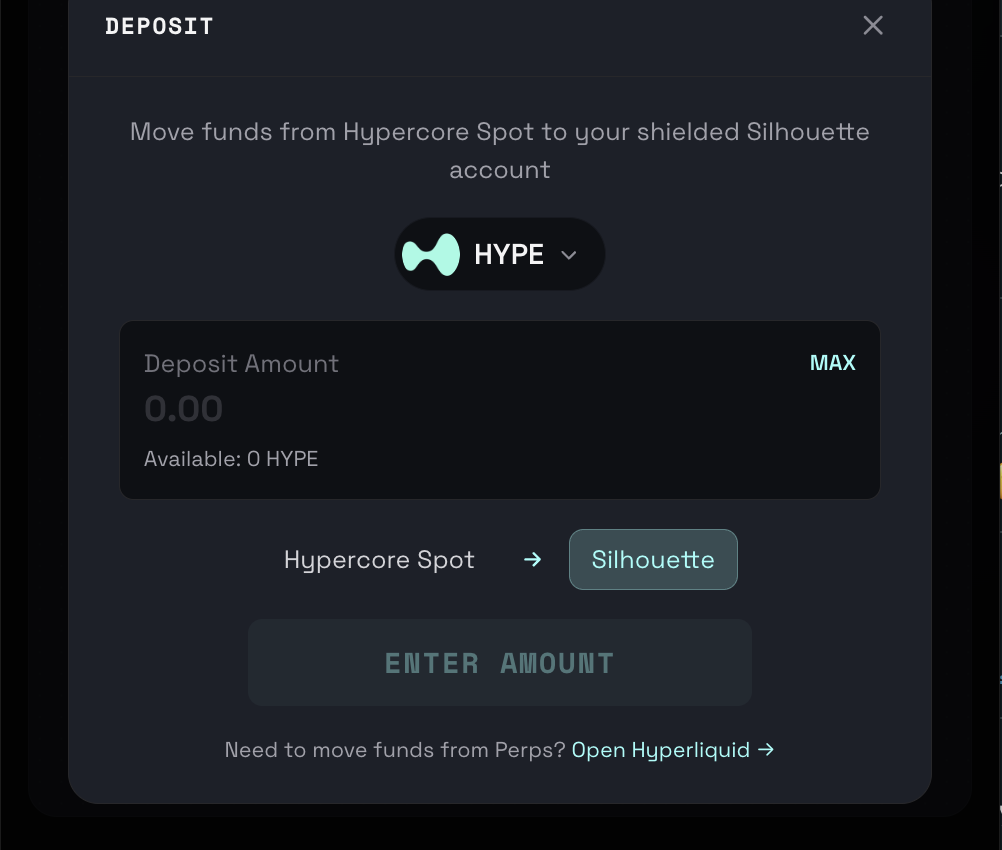
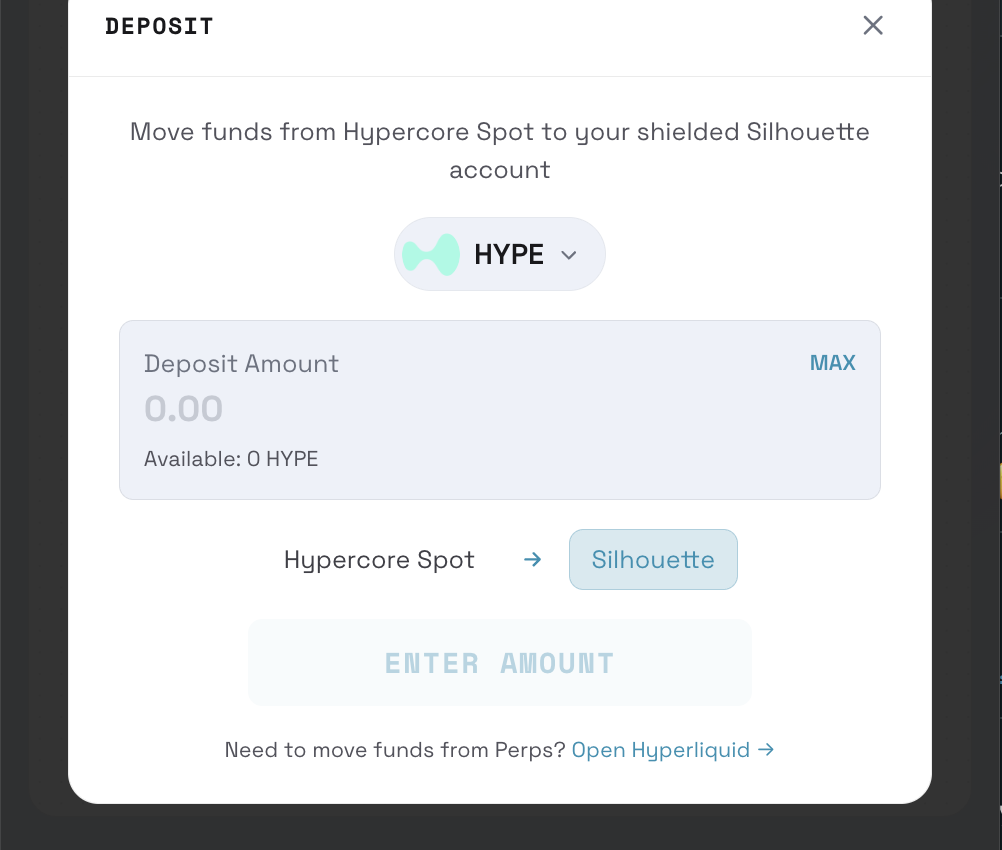
How to Deposit
- Open the wallet tray (tap your balance or the deposit button after connecting)
- The Deposit modal will appear
- Select your token from the 15 supported tokens
- Enter the amount
- Click Deposit
- Confirm the transaction in your wallet
What Happens
When you deposit:
- Funds leave your wallet via Hyperliquid's deposit mechanism
- They enter Silhouette's shielded pool
- Your shielded balance updates (visible only to you)
The deposit transaction is visible on-chain, but once funds are in the shielded pool, your subsequent swaps are private.
Deposit Limits
| Token | Minimum | Maximum |
|---|---|---|
| USDC | $1 | No limit |
| HYPE | 0.01 | No limit |
| USDH | $1 | No limit |
| BTC | Subject to gas | No limit |
| ETH | Subject to gas | No limit |
| SOL | Subject to gas | No limit |
Transaction Fees
- Hyperliquid: No deposit fees
- Silhouette: No deposit fees
- Gas: Standard Arbitrum gas fee (typically < $0.10)
See Fees & Limits for a full breakdown.
Deposit Not Showing?
If your deposit doesn't appear:
- Wait 1-2 minutes for confirmation
- Refresh the page
- Check the transaction status in your wallet
tip
Your shielded balance may take a moment to update after the transaction confirms.