Withdrawals
Withdraw funds from your Silhouette shielded balance back to your wallet.
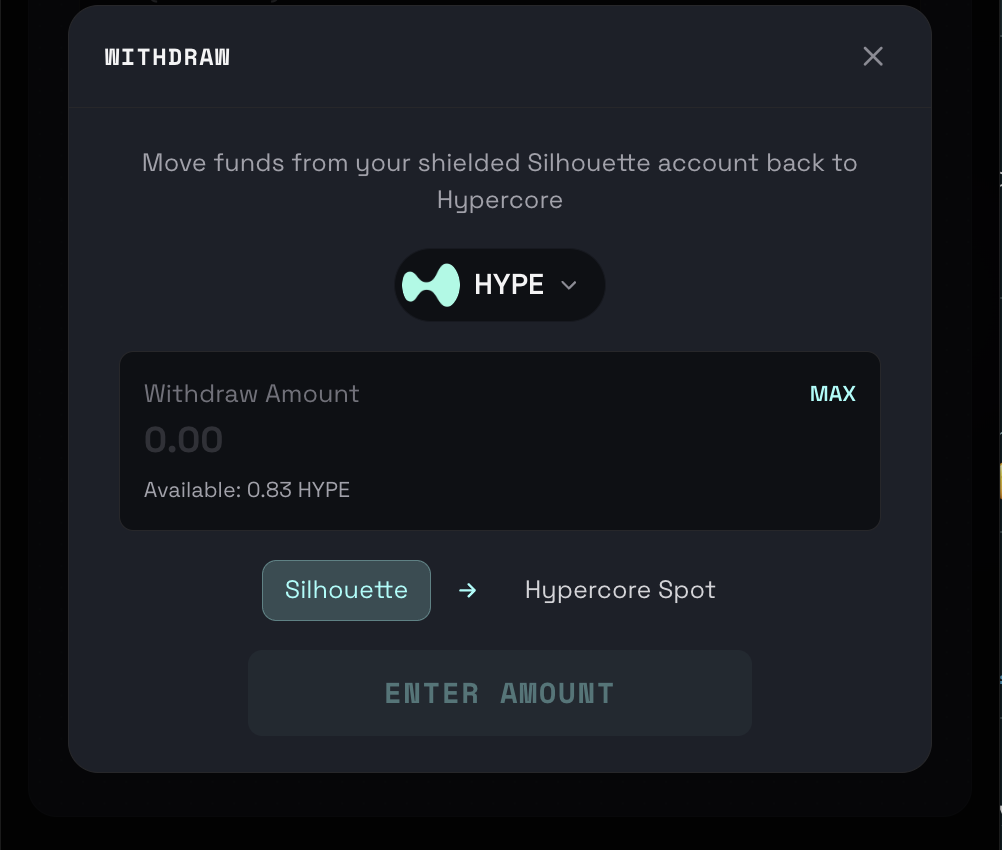
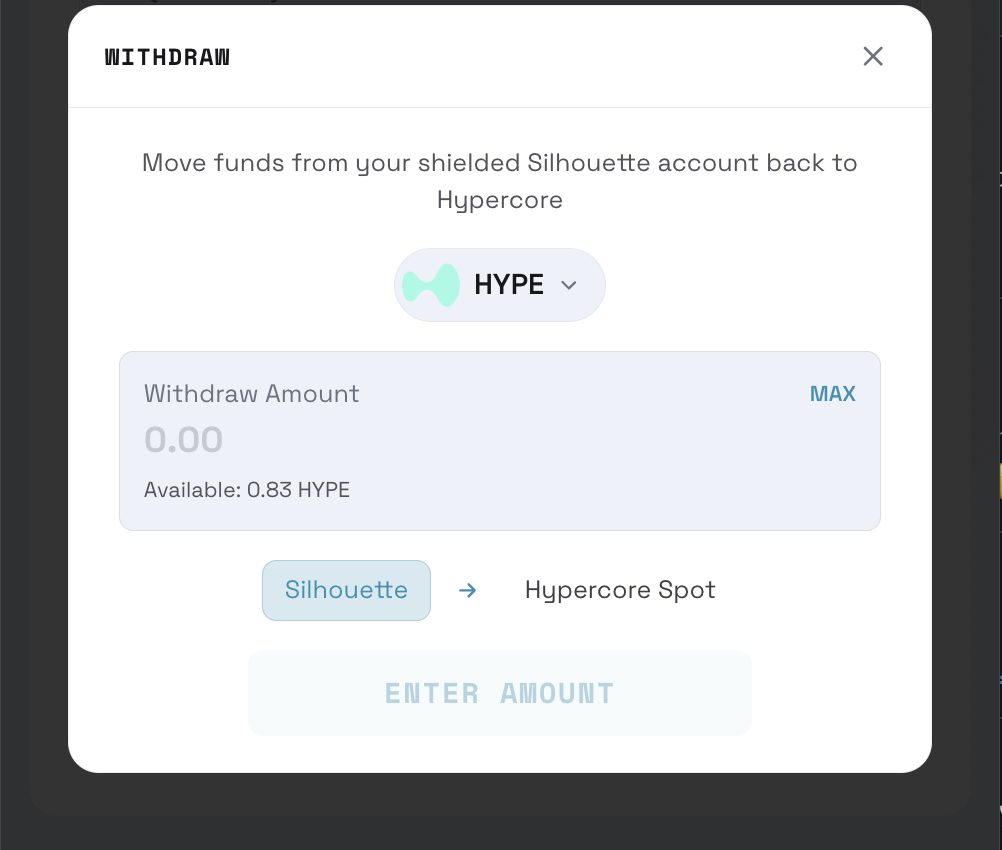
How to Withdraw
- Open the wallet tray (tap your balance or the withdraw button after connecting)
- The Withdraw modal will appear
- Select your token from the 15 supported tokens
- Enter the amount
- Click Withdraw
- The transaction processes automatically
info
Withdrawals are initiated via Silhouette's API — no wallet signature needed. Funds return to your wallet via an on-chain Arbitrum transaction.
What Happens
When you withdraw:
- Funds leave the Silhouette shielded pool
- They're sent to your connected wallet via Hyperliquid
- Your shielded balance decreases
Withdrawal Limits
| Token | Minimum | Maximum |
|---|---|---|
| USDC | $1 | Your shielded balance |
| HYPE | 0.01 | Your shielded balance |
| USDH | $1 | Your shielded balance |
| BTC | Subject to balance | Your shielded balance |
| ETH | Subject to balance | Your shielded balance |
| SOL | Subject to balance | Your shielded balance |
Processing Time
Withdrawals typically complete within:
- Normal: 1-5 minutes
- During congestion: Up to 15 minutes
Withdrawal Not Arriving?
If your withdrawal doesn't arrive:
- Check your shielded balance decreased
- Wait up to 15 minutes
- Check your wallet on Arbiscan
- If still missing, contact support